
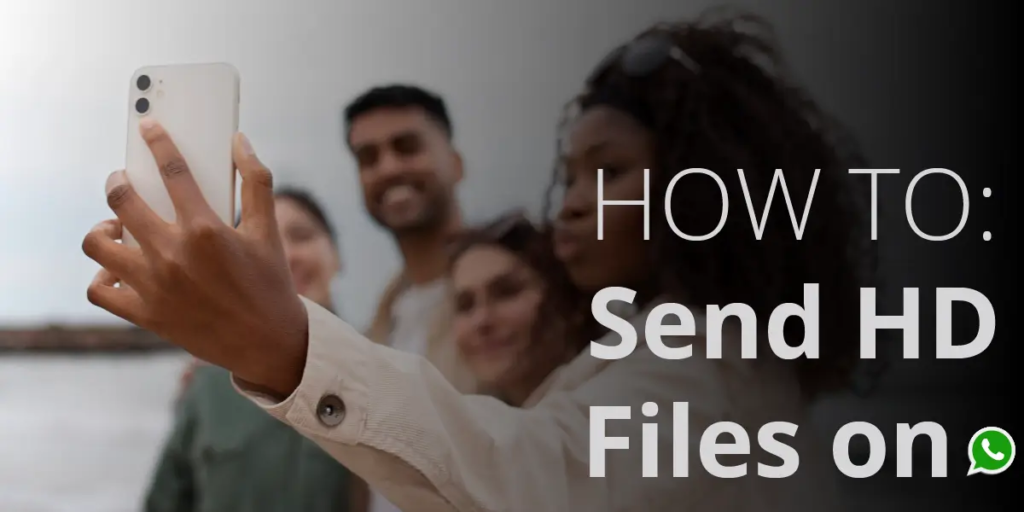
How to Send HD Images on WhatsApp (Step‑by‑Step Guide, 2026 Zimbabwe)
WhatsApp is one of the most popular messaging apps worldwide, including in Zimbabwe, from Harare to Mutare. By default, WhatsApp compresses photos to save data, but this reduces image quality. With the latest update, you can now send HD photos and videos – and even set HD as your default upload quality.
Here’s the updated step‑by‑step guide.
Step 1: Update WhatsApp
- Open the Google Play Store (Android) or App Store (iPhone).
- Search for WhatsApp and tap Update if available.
- HD default settings are only available in the latest versions.
Step 2: Open a Chat
- Launch WhatsApp.
- Select the contact or group chat where you want to send the photo.
Step 3: Choose Your Photo
- Tap the attachment icon (📎 on Android, ➕ on iPhone).
- Select Gallery or Photos.
- Pick the image you want to send.
Step 4: Enable HD Quality (Manual Option)
- Once the photo preview appears, look for the HD icon at the top.
- Tap the HD icon.
- Choose between:
- Standard Quality (smaller file size, compressed)
- HD Quality (higher resolution, larger file size)
- Select HD Quality and send.
Step 5: Set HD as Default (New Feature)
- Open WhatsApp Settings.
- Go to Storage and Data.
- Tap Media Upload Quality.
- Select HD Quality.
- From now on, all photos and videos will be sent in HD automatically.
Bonus Tip: Send Original Quality Photos
If you want to send photos without any compression:
- Tap the attachment icon.
- Select Document instead of Gallery.
- Browse and choose the photo file.
- Send it — this preserves the original resolution.
Common Questions (Zimbabwe Context)
Q: Does sending HD photos use more data? Yes. HD images are larger files, so they consume more mobile data. If you’re on Econet, NetOne, or Telecel bundles, use Wi‑Fi to save costs.
Q: Can I set HD as default? ✅ Yes. WhatsApp now lets you set HD as your default upload quality in Settings → Storage and Data → Media Upload Quality.
Q: What about videos? WhatsApp also supports sending HD videos. You can enable HD manually or set HD as default for videos too.
Final Thoughts
Sending HD images on WhatsApp is quick and easy once you know where to find the option. Whether you’re sharing travel photos, family moments, or professional work, HD mode ensures your images look sharp and detailed.
Q: How do I send HD images on WhatsApp?
Open a chat, select a photo, tap the HD icon, and choose HD Quality before sending.
Can I set HD as default on WhatsApp?
Yes. Go to Settings → Storage and Data → Media Upload Quality and select HD Quality. From now on, all photos and videos will be sent in HD automatically.
Does sending HD photos use more data in Zimbabwe?
Yes. HD images are larger files and consume more mobile data. If you’re on Econet, NetOne, or Telecel bundles, use Wi‑Fi to save costs when sending HD photos and videos.
How can I send original quality photos on WhatsApp?
Send the photo as a Document instead of Gallery. This preserves the original resolution without compression, which is useful for professional work or important documents.
Can I send HD videos on WhatsApp?
Yes. WhatsApp supports HD video uploads. You can enable HD manually when sending or set HD as default in Settings → Storage and Data → Media Upload Quality.

No Comments